







Updated —
Jul 16, 2025
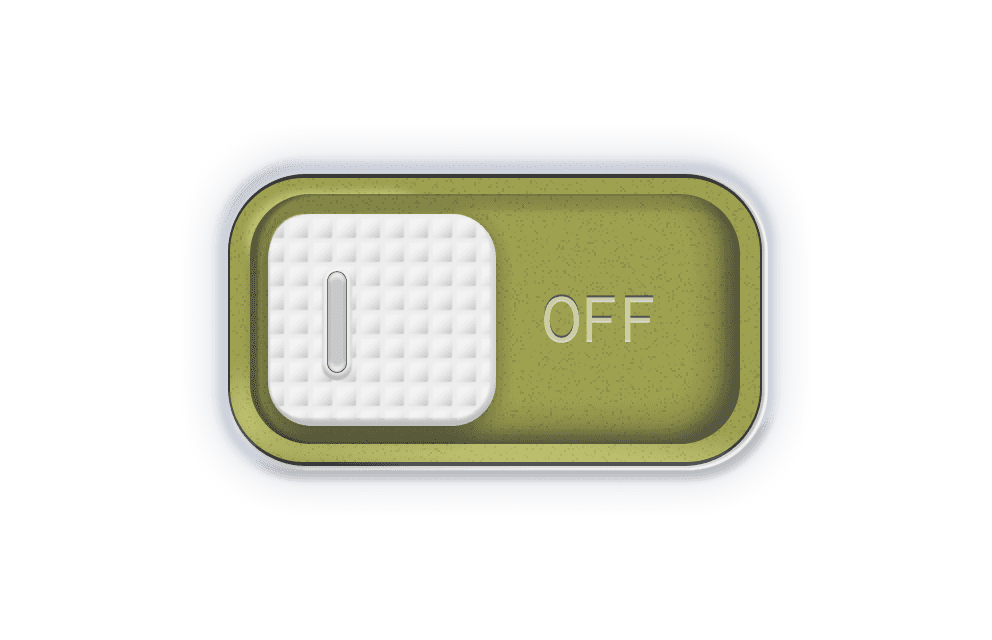
🔘 DotGlow: Realistic Switch
DotGlow is a tactile switch component featuring a dotted surface texture and a subtle light indicator for responsive feedback. Designed in Figma and Framer, it mimics real-world switches with layered shadows, motion effects, and a glowing bulb that activates upon toggle. The physicality of the dotted grip and visual lighting make it ideal for smart control panels, dashboards, or any interface that calls for realism and satisfying interaction.

Created by


How do I use it?
You need to copy the component and then simply paste it in your Framer project. It will automatically import and appear in your left sidebar in the Assets tab under components - Eleveight Supply folder. From there you can drag it into your canvas for a new instance.